



Admit one · Screen test
Screen test
$0to try
See your first presenter video before you pay a thing.
- 1 video, up to 60 seconds
- Upload or generate a presenter
- Both styles
- MP4 download
RecAI presenter videos, from a script
Write the words and pick a presenter. VidPersona records the voice, lip-syncs the on-camera lines, cuts in images and B-roll, and hands you a finished video, while you watch each stage render live.
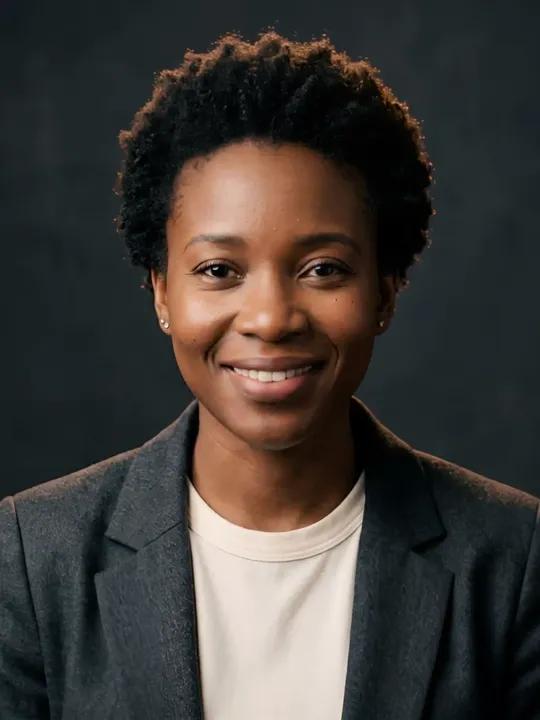
Transcript: Hi, I'm Mara. I've never stood in front of a camera. I was made from one portrait and a voice. Give me your script, and I'll say it like I mean it.
01How it works
Six automatic stages, all visible while they run. Scroll through the edit of the 30-second sample below to see what each stage produces.
PipelineStoryteller preset
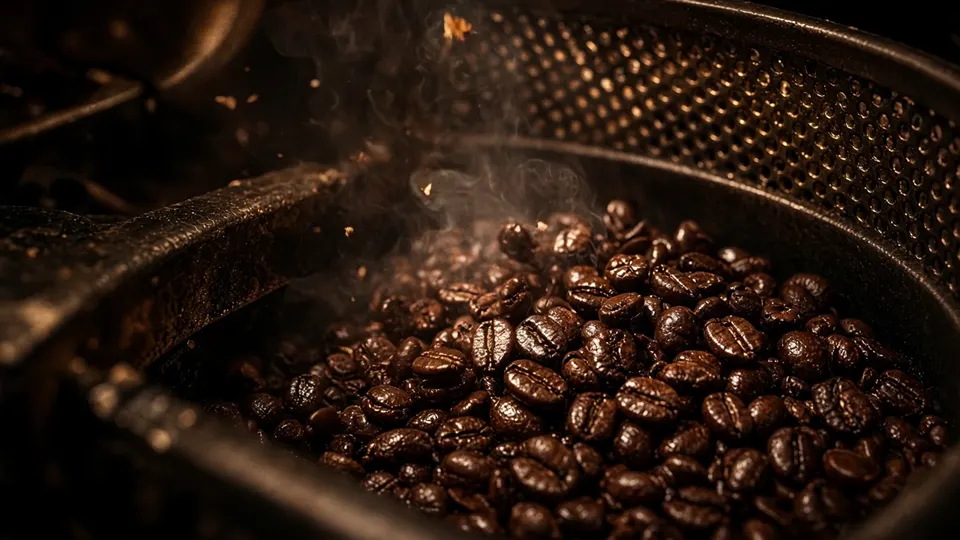
You write it, or paste it. This one is 74 words about coffee.
A studio voice reads it with natural pacing and breath.
Every word is stamped to the hundredth of a second, so cuts land on the beat.
An editor model decides what the viewer sees on each line: presenter, still or B-roll.
Presenter clips are lip-synced to the voice while images and B-roll generate in parallel.
Everything is cut to the words and rendered into a single MP4.
Duration, streams and every shot are verified before the video is yours.
Ready
Watch it with sound00Input
You write it, or paste it. This one is 74 words about coffee.
01Stage 1 of 6
A studio voice reads it with natural pacing and breath.
02Stage 2 of 6
Every word is stamped to the hundredth of a second, so cuts land on the beat.
03Stage 3 of 6
An editor model decides what the viewer sees on each line: presenter, still or B-roll.
04Stage 4 of 6
Presenter clips are lip-synced to the voice while images and B-roll generate in parallel.
05Stage 5 of 6
Everything is cut to the words and rendered into a single MP4.
06Stage 6 of 6
Duration, streams and every shot are verified before the video is yours.
Ready
Watch it with soundThe finished timeline0:29.6
02Screening room
A 30-second sample in the Storyteller style, made from one AI portrait and one script: zero cameras. Press play with the sound on.
Reel 01Why the best coffee grows on volcanoesStoryteller
Standby
Shot 01 / 07PresenterCold open
Script — 74 words
Cue from any word
Presenter, voice and footage are AI-generated; this cut was assembled for the page. Captions are drawn by this player, not burned into exported videos. Nothing was filmed.
03The cast
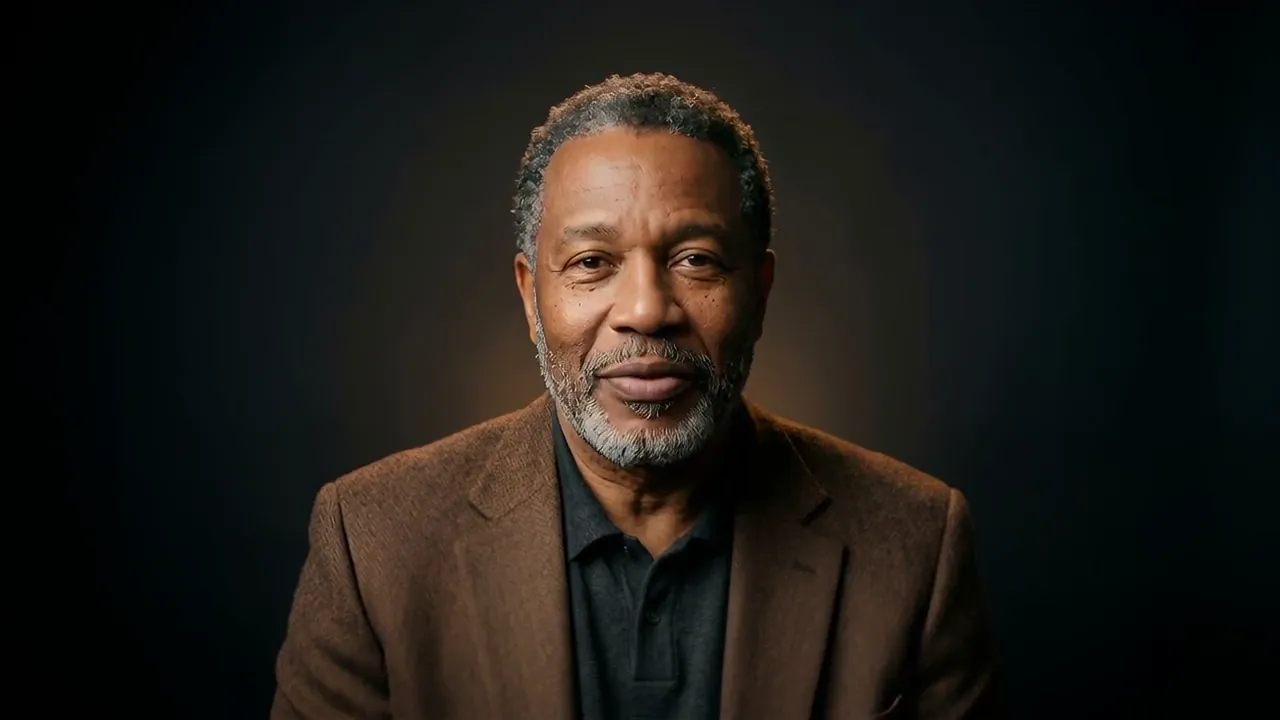
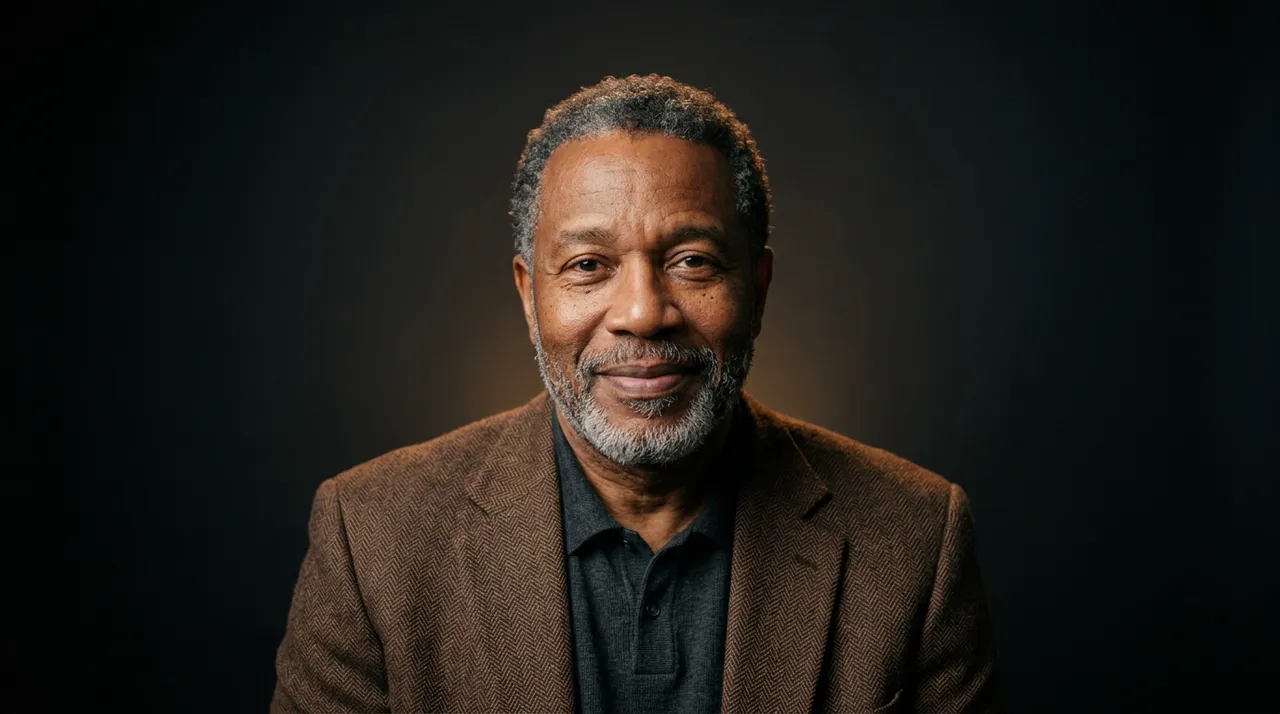
Upload a portrait you have the rights to, or describe someone and let AI create an original: every generated presenter is a new person, never anyone's likeness. Pair them with a studio voice and they're ready for their close-up.
Hover a frame to roll cameraTap a frame to roll camera
Showing frames 01 of 07
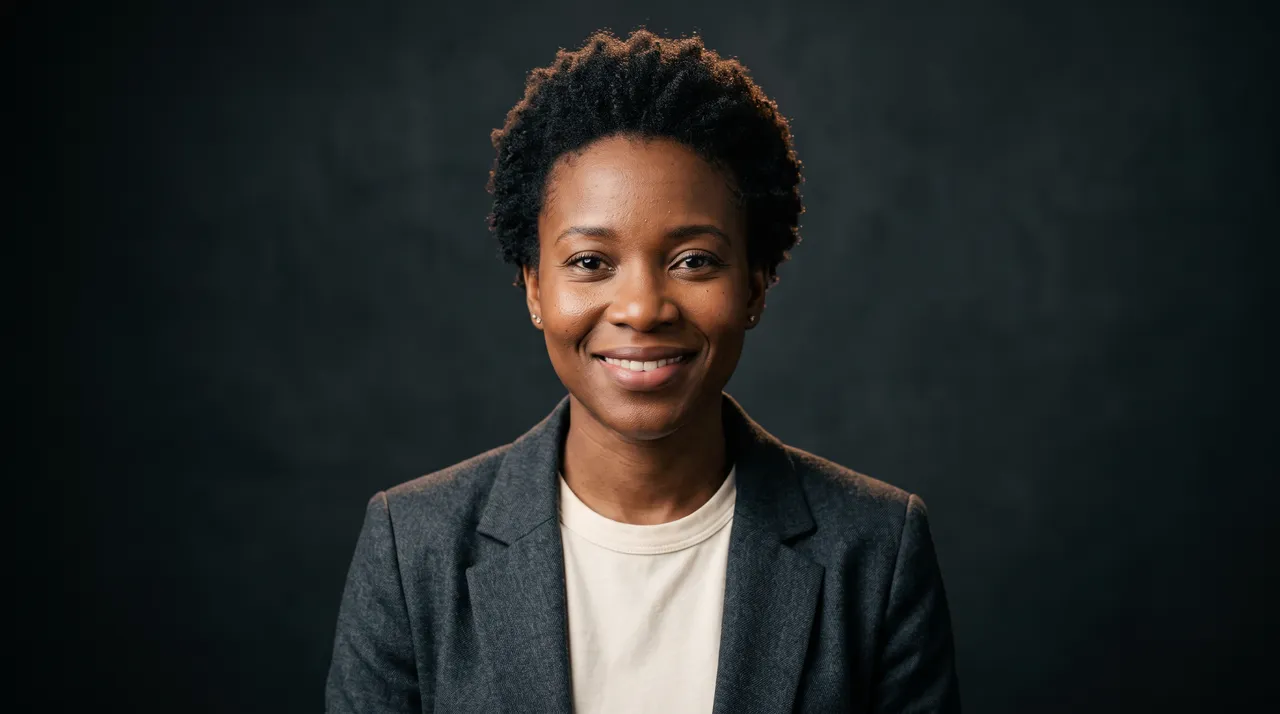
Transcript: Hi, I'm Mara. I've never stood in front of a camera. I was made from one portrait and a voice. Give me your script, and I'll say it like I mean it.
Product explainers
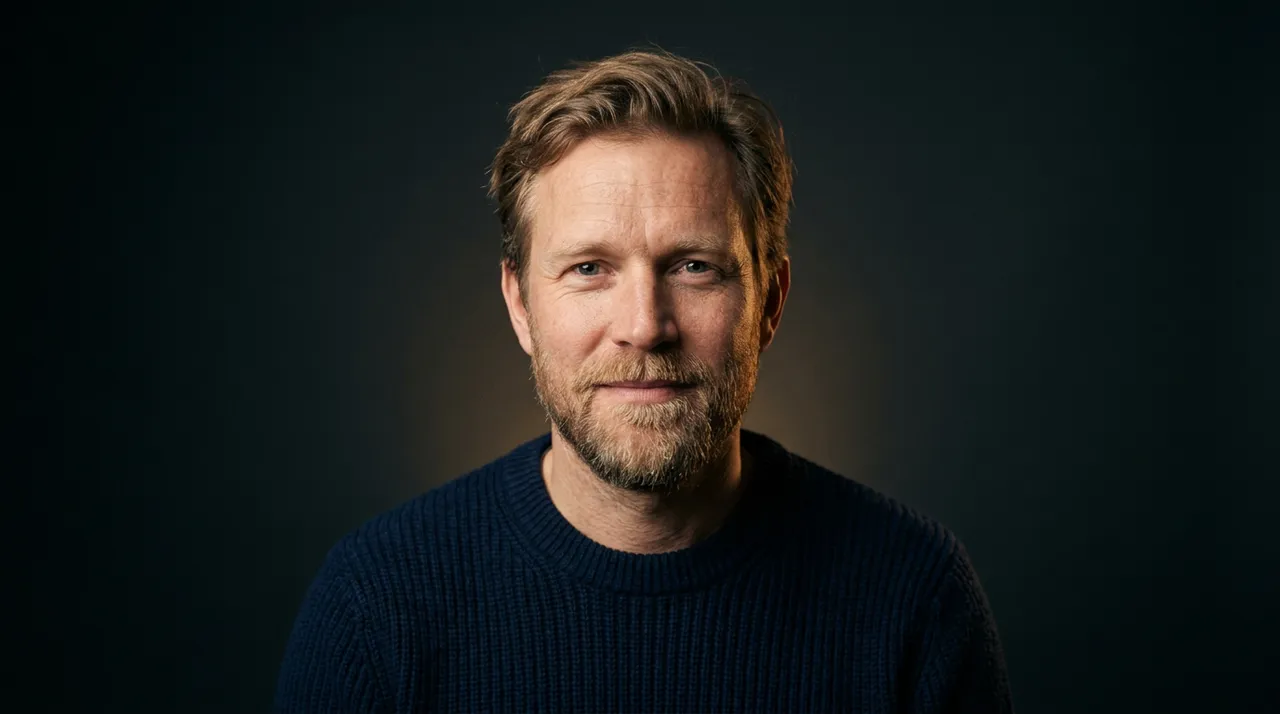
Transcript: Paste a script, pick a presenter, and by the time your coffee's ready, your video is too.
Tutorials & how-tos
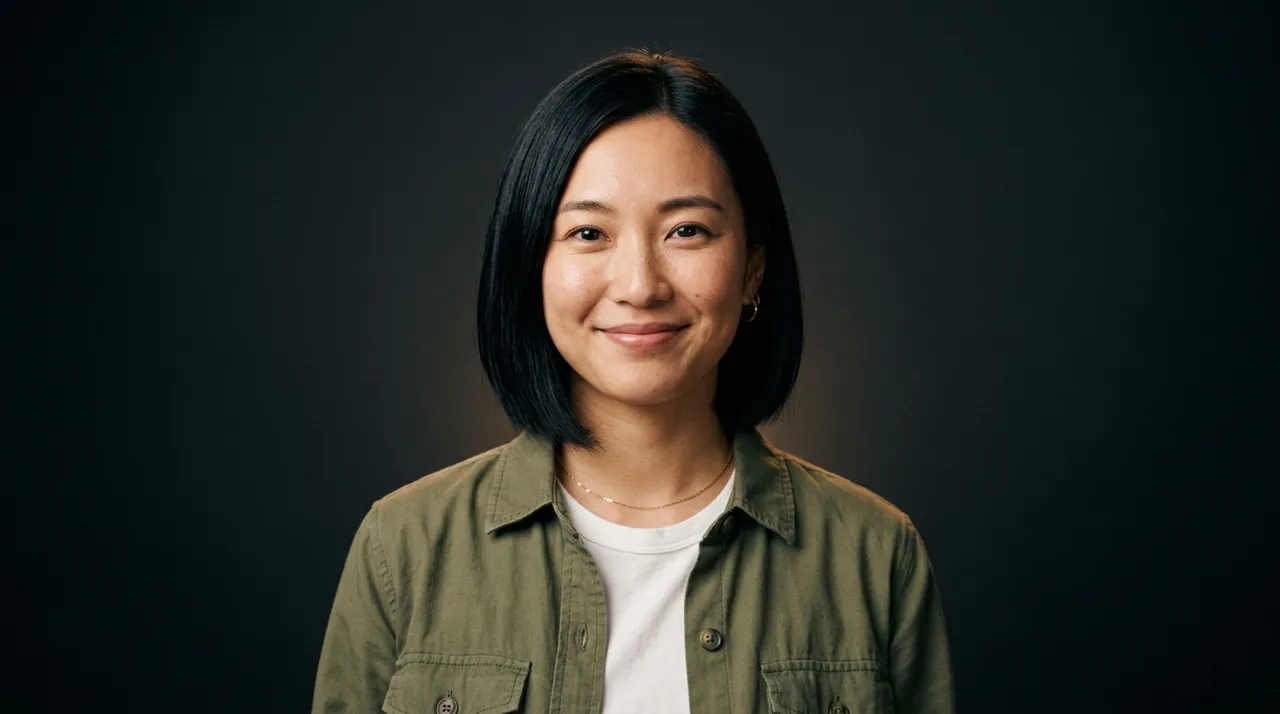
Transcript: Cutaways and B-roll, all timed to the exact word I'm saying.
Tech & product news

Courses & onboarding
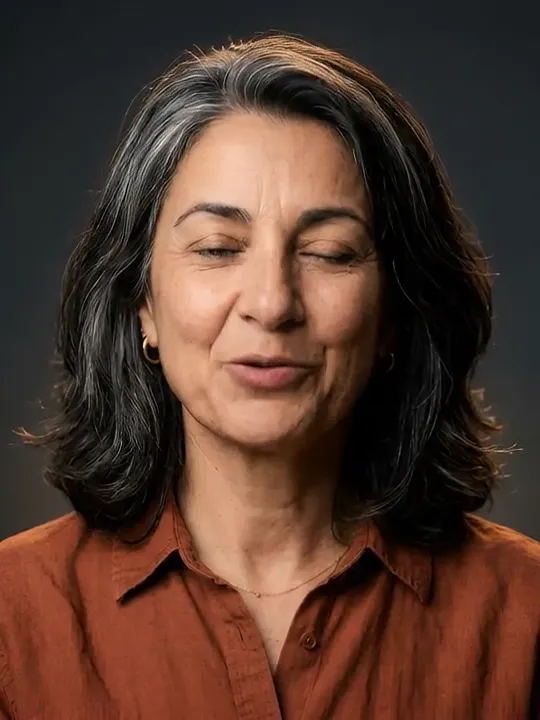
Culture & travel
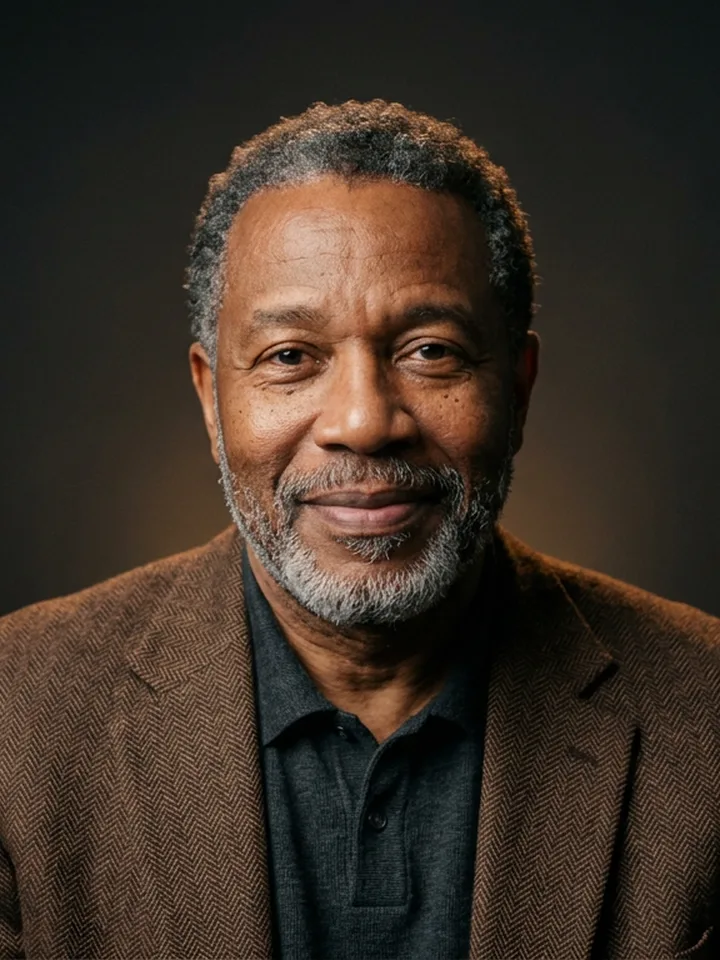
Documentary storytelling
All presenters on this page are AI-generated originals made for this page; on the platform you upload or generate your own. Voices in these samples are TTS.
04Styles
Pick a preset and the shot planner follows its rules: how long the presenter stays on camera, how often it cuts, and when it splits the screen.
Footage from the sample video · muted
Preset 01 / 02
Warm and presenter-led.
Opens on the presenter, returns for the lines that matter, and fills the gaps with stills and short clips.
Planner rules
05No surprises
Every video gets an itemised estimate before it starts. Per-video and monthly caps stop a render before it overspends, and every paid step lands in your usage history.
VidPersona · Render ticket
No. 0412 · 25 SEP 2026 14:02
"Why the best coffee grows on volcanoes"
STORYTELLER · 720p · 0:29.6
Thank you for not filming
See the estimate, line by line, before a single credit is spent.
On the ticket: Estimate
Per-video and monthly limits stop a render before it overspends.
On the ticket: Video cap · Monthly cap
Every paid step is logged with its cost in your usage history.
On the ticket: 7 line items
06Spec sheet
ModelVidPersonaRev 1.0 · Sheet 1/1
End of sheet
07Tickets
Start with a free screen test. Upgrade when you're publishing every week.
Admit one · Screen test
$0to try
See your first presenter video before you pay a thing.
Series pass · Creator
$39per month
For channels and teams publishing every week.
All-access · Studio
$119per month
For daily publishing and multiple series.
Prices in USD.
08Questions
No. Generated presenters are original, AI-made people, not anyone's likeness. If you upload a portrait instead, it has to be one you have the right to use.
Minutes, not days. You can watch each stage tick over live: voiceover, word timing, shot plan, assets, render and a final quality check.
A 16:9 MP4 you can download and post anywhere, cut to your script with presenter moments, images and B-roll.
Yes. You see an itemised estimate before you start, per-video and monthly caps are enforced while it renders, and every paid step shows up in your usage history.
No. If you can write a paragraph, you can make a video. The voice, the presenter, the footage and the edit are all handled for you.
Storyteller is warm and presenter-led, with longer stills and clips between appearances. Fast cut is quicker and punchier, with split screens and hard cuts every few seconds.
Still curious?
Make your first video — the first is free.